FxCraft Example EA – MA Cross
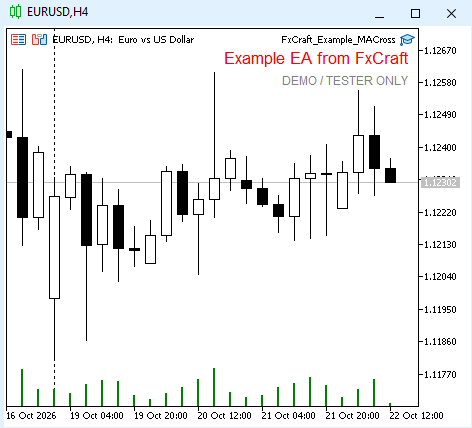
An educational example of a simple trend-following Expert Advisor. It shows how to structure a trading robot in MQL5: signal on closed bars, order execution with checks and retries, and safe handling of a terminal restart.
Strategy
- A BUY signal appears when the fast MA crosses above the slow MA on closed bars (fast ≤ slow on bar 2 and fast > slow on bar 1); SELL – the other way round. The signal is checked once, at the opening of a new bar.
- After start the EA does not open a trade immediately – it waits for the first new crossover.
- One position at a time. An opposite signal closes the position and opens the opposite one.
- If opening fails (spread, requote), the EA retries on the next ticks, but only until the end of the signal bar.
What the code demonstrates
- free margin check ( OrderCalcMargin ) before every order,
- lot normalized to the symbol’s minimum, maximum and step,
- SL/TP widened to the broker’s minimum distance ( SYMBOL_TRADE_STOPS_LEVEL ),
- spread filter, retries on requotes and price changes, indicator handles released in OnDeinit ,
- messages in English or Polish, depending on the terminal language.
Inputs
- TimeFrame – timeframe of the signal (current chart by default)
- Fast MA period / Slow MA period – 10 / 30 (slow must be greater than fast)
- MA method / Applied price – EMA / Close
- Lot (fixed) – 0.10
- Stop Loss / Take Profit – in points, 0 = none (300 / 600)
- Magic number – 5010
- Max slippage – in points (10)
- Max spread – in points, 0 = off (30)
Important This is an educational example, not a trading system. It works only on demo accounts and in the Strategy Tester – on a live account it shows a message and stops. Provided “as is”, without any warranty. Not investment advice. Trading Forex and CFDs involves a high risk of losing capital. License: FxCraft Example EA License (see the source header).